Open beta · everything is free

Downgrade your project to any older version

Bring .prproj and .aep projects down to a version your older Adobe software can open. No plugins, no reinstalls, no asking around — sequences, layers, effects and expressions are preserved wherever possible.

14 versions for Pr (CS6–2026) and 9 for Ae (2018–2026)Your original project is never overwrittenNo account needed — open and use
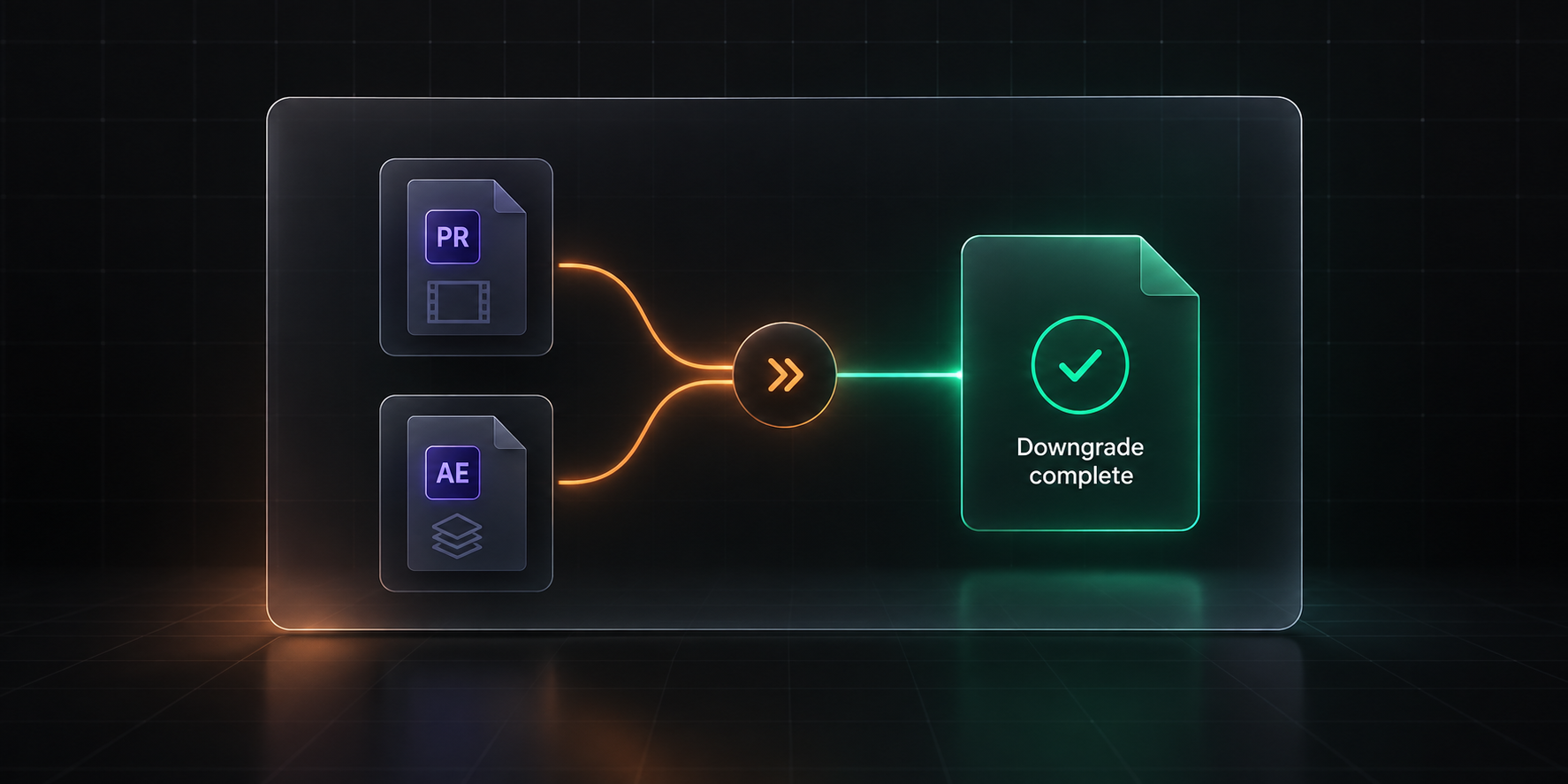
Downgrade flow: Premiere and After Effects projects alternating between older targets

23

target versions: 14 for Premiere, 9 for After Effects

0

plugin dependencies — pure file conversion

Seconds

to finish a downgrade, no queue

Local

Ae never leaves your browser; Pr is self-hostable

Choose your converter

Two product lines, one for each kind of project

Premiere Pro and After Effects use completely different project formats. One shared engine would make mistakes more likely — so each line gets its own, rather than being forced into a single tool.

Available now

Premiere Pro downgrading

Bring .prproj files down to any older Premiere Pro version, preserving sequences, timelines, transitions and media references.

  • Covers every version from CS6 to 2026
  • Keeps sequences, timelines, transitions and metadata
  • No plugins — open the result directly
Available now

After Effects downgrading

Bring .aep files down to any older After Effects version, preserving compositions, layers, effects and expressions. Conversion runs entirely in your browser — the file is never uploaded.

  • 9 target versions, from AE 2018 to AE 2026
  • Keeps comps, pre-comps, layers and expressions
  • Fully local — the project never leaves your machine
How it works

Three steps back to an older version

You do not need to understand the file format. You only need to pick a version.

1

Import your project

Drop in a .prproj or .aep file and the engine detects which version it came from.

2

Pick a target version

Choose any available target. Downgrading only ever goes to an older version — that is inherent to the operation.

3

Download and open

Take the downgraded project and open it in the target version.

Why it holds up

It is not a lower version number — it is a file that opens

Plenty of “downgraders” only lower the version number, and the file still fails to open. A usable result means clearing out everything the older version cannot read.

What the old version cannot read gets removed

Content your target version does not have will only stop the project from opening. It goes; what remains is what works.

No broken references left behind

When something is removed, the references pointing at it are cleaned up too — so nothing errors out or loses a sequence on open.

Standard processing or steady mode

The Premiere line offers a steady mode: prioritise a result that opens, and convert less if that is what it takes.

Always a new file

Your original project is never overwritten. If the result is not good enough, start again from the original.

Who needs it

The situations every editor runs into

The team is out of sync

You are on 2026, your colleague is still on 2021. One downgrade and they can keep working.

Only an old machine is available

You arrive on site and the machine has an old Premiere install — while the project was made in a new one.

The client specifies a version

The delivery spec says it must open on their machine, and their machine has not been updated in years.

Reopening an old project

A project from years ago that only the old version can open reliably — and you already upgraded.

FAQ

Things you probably want to know

Which versions are supported?
The Premiere line covers CS6, CC 2013, CC 2014, CC 2015, CC 2017, CC 2018 and 2019 through 2026 — 14 targets. The After Effects line covers AE 2018 through AE 2026 — 9 targets. 23 in total.
How long does a conversion take?
A typical project finishes in seconds. Time depends on project complexity and the number of media references, not on file size.
Will I lose features that only newer versions have?
Yes — that is what downgrading means. Effects, tools and timeline structures that do not exist in the old version can only be removed.
Do you collect my project data?
No. After Effects conversions run entirely in your browser — the file never leaves your machine, so we never even have the opportunity to receive it. The Premiere line uses this site’s downgrade engine, and that engine can be self-hosted on your own machine, in which case your project never leaves your network either. Even with the hosted service, your file is not retained after conversion and is never used for anything else.
Does it cost anything right now?
No. Everything is free during the open beta, no account is required, and every converter is available right away.

Rescue the project that will not open

Upload, pick a version, download. Usually under a minute.